01
Industrial automation

Define a display interface for machinery, control equipment or line-side operation.
- Panel size
- Touch method
- Mounting
- Power

The same display format can serve very different equipment. Installation, viewing, interaction, connection and mechanical requirements determine the useful configuration.
Each scene identifies the requirements to define first and routes to relevant product families without claiming that one pictured item is the exact solution.
Define a display interface for machinery, control equipment or line-side operation.

Plan the viewing, interaction and installation requirements for a kiosk or service terminal.

Match the display format and content system to an information or signage installation.
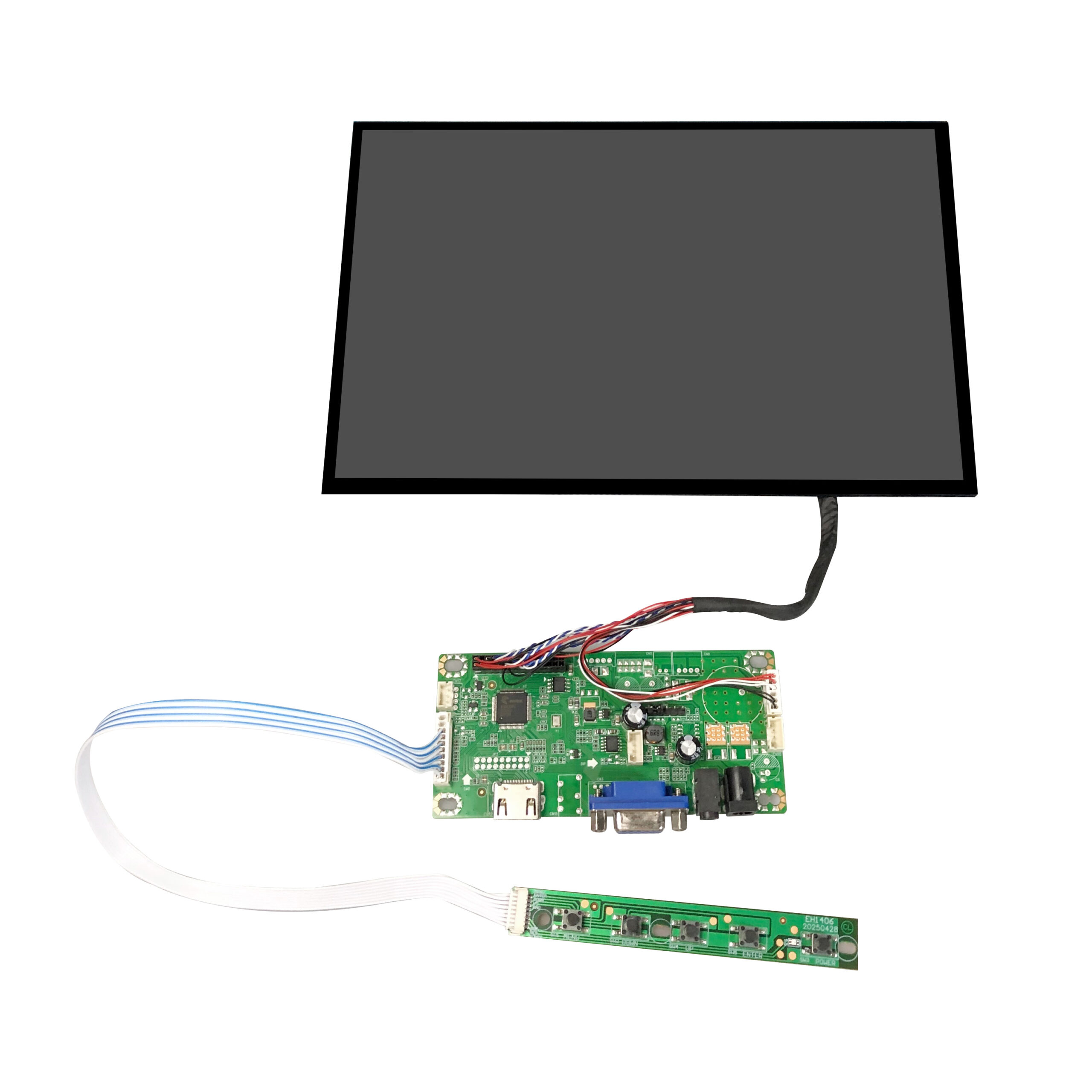
Choose a readable interface for instruments, diagnostic equipment and engineering benches.

Define a portable secondary display around the host device, power path and working environment.
Start with the enclosure, electrical connection and service requirements of customer-designed equipment.
Project brief
Include the application environment, available space, target panel size, resolution, touch method, signal interface, mounting format, power path, quantity and target timing.
Send the project context and required specifications so the relevant display family can be reviewed.