Display module
Panel and driver board for integration into an existing enclosure or instrument.

Move from product format to verified specifications without decoding internal catalogue numbers. Compare modules, finished monitors and Android display options around the requirements of your project.
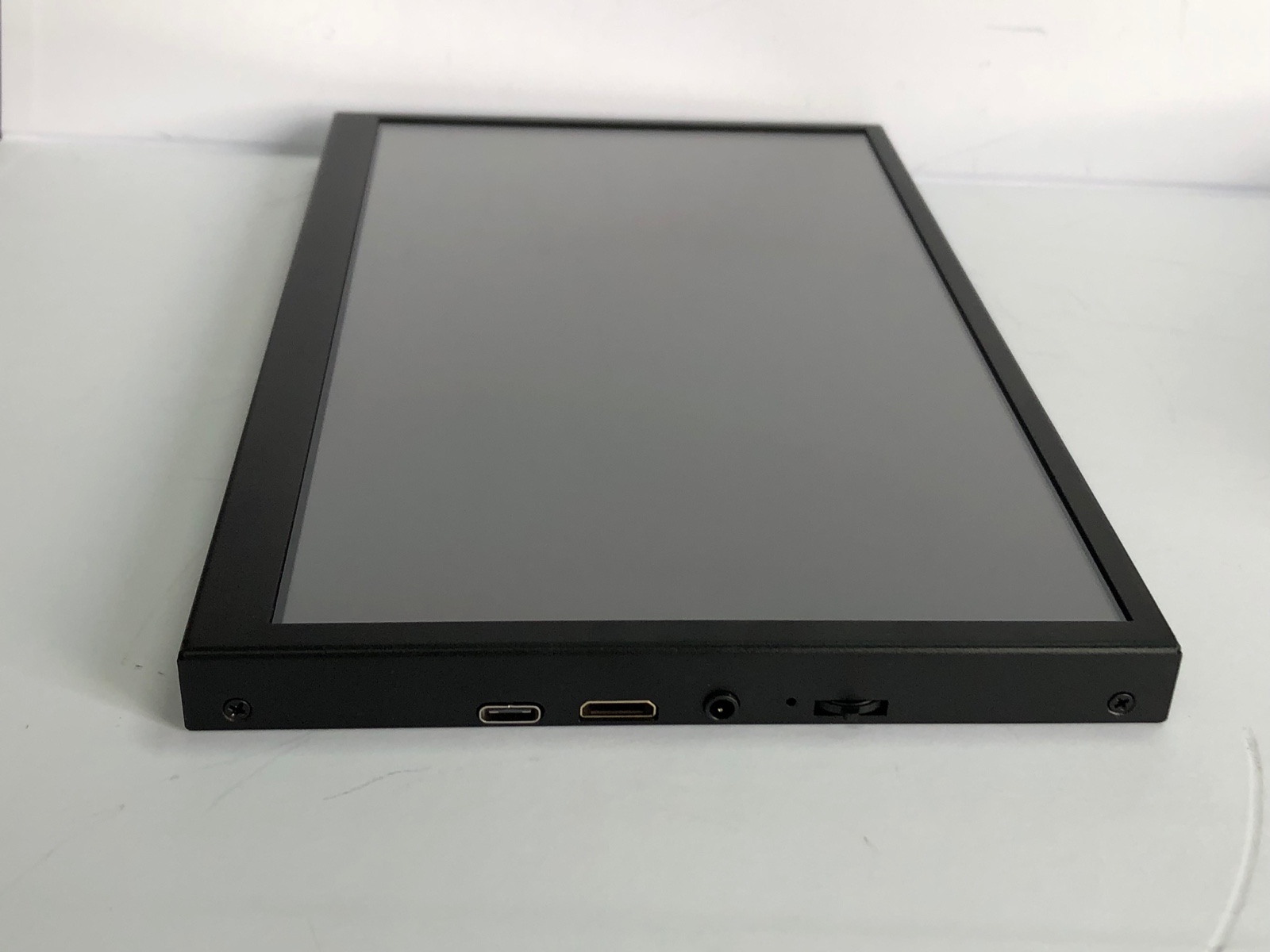
Start with the required supply format, then compare the specifications that determine fit and compatibility.
Panel and driver board for integration into an existing enclosure or instrument.
Complete display unit with housing and the mounting or stand configuration required by the project.
Display and Android computing platform supplied together as a module or complete unit.
Each family is organized around the same practical criteria so buyers can move from a broad format to a suitable configuration.

Portable display configurations for mobile workstations, field equipment and secondary-screen use.

Finished monitor configurations organized by panel size, resolution, touch, interface and mounting.
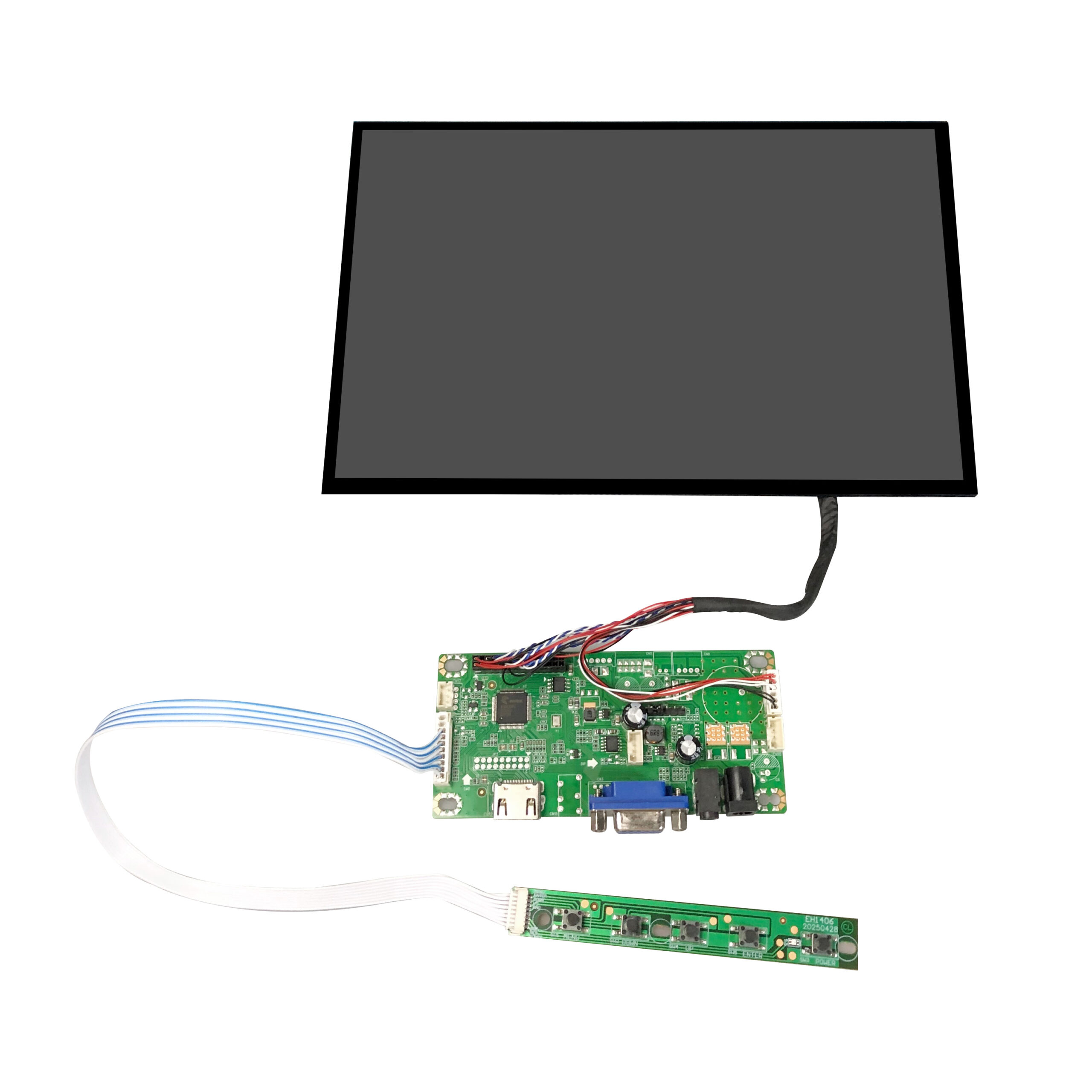
Panel and driver-board configurations for integration into a customer-designed enclosure.

Display configurations with an Android mainboard, storage and wireless connectivity.

Open-frame monitor configurations with mounting options for equipment integration.

Stretched-bar and square display formats for information and commercial installations.
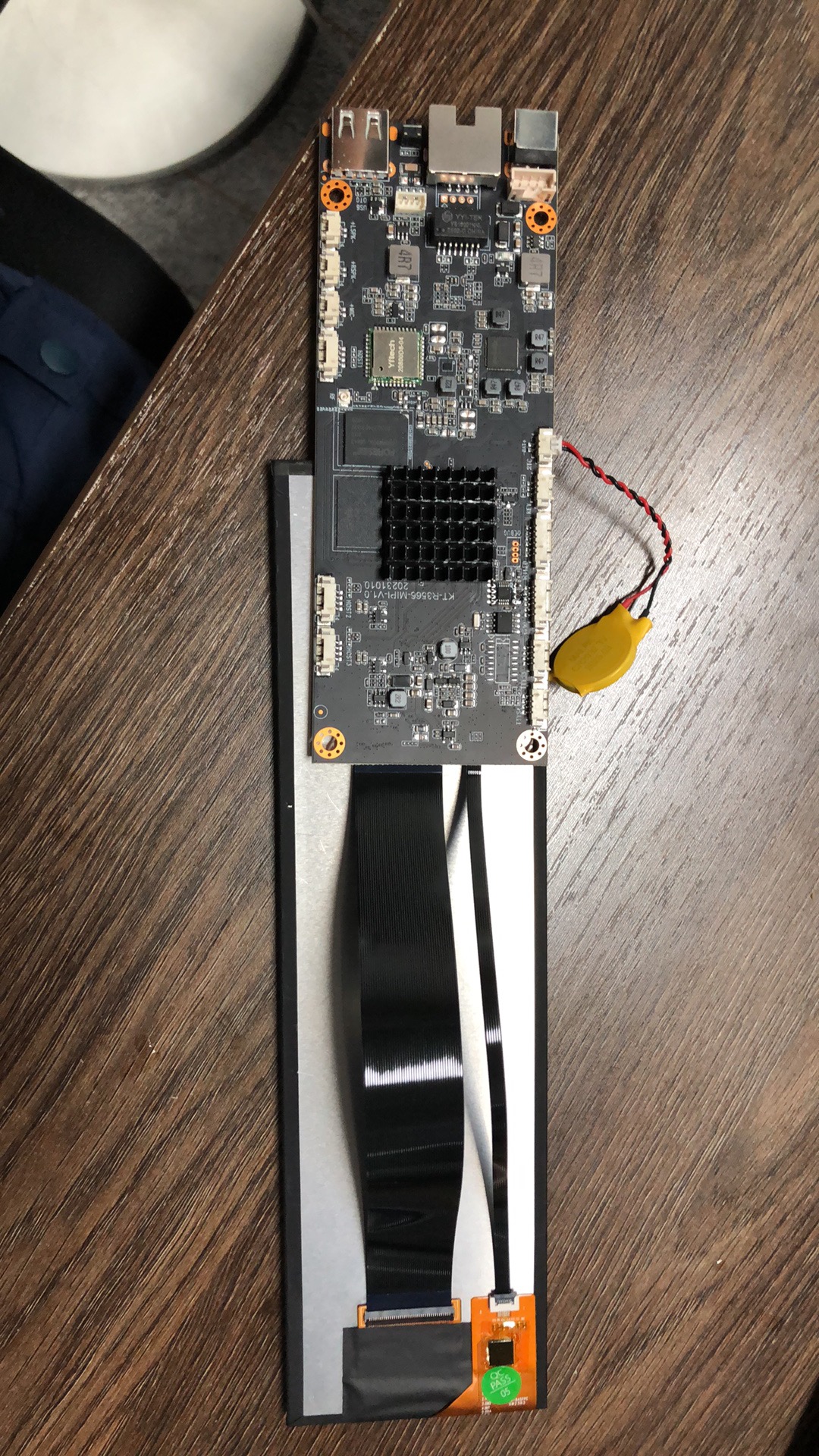
Panel and Android mainboard configurations supplied for smart-display integration.

Stands, adapters, styluses, cables and power supplies for compatible display projects.
A useful enquiry starts with physical fit, image requirement, system connection and mechanical format.
Start with panel size, visible area and installation space.
Match pixel density and viewing conditions to the application.
Define the video input, data connection and touch requirement.
Choose a module, open frame, VESA pattern, stand or complete housing.
Application context helps identify the suitable product family, mounting format and connection requirements.
Control cabinets, machine interfaces and line-side terminals.
Kiosk, check-in, ordering and point-of-service integration.
Information panels, signage and space-constrained installations.
Displays for instruments, benches and diagnostic equipment.
Portable screens for field kits and flexible workstations.
Modules and open-frame options for customer-designed equipment.
Panel size, resolution, touch, interface, mounting and project volume are enough to begin matching configurations.